
As an administrator, you can delete a device by clicking on the Delete icon in the row of the device that you would like to remove.

Confirm Deletion | You will be asked to confirm the deletion of the device.
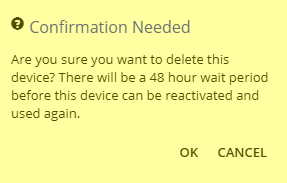
Click OK to delete this device.
Note: Once a device is deleted, that same device is locked from using naturalForms and cannot be re-activated for 48 hours.